
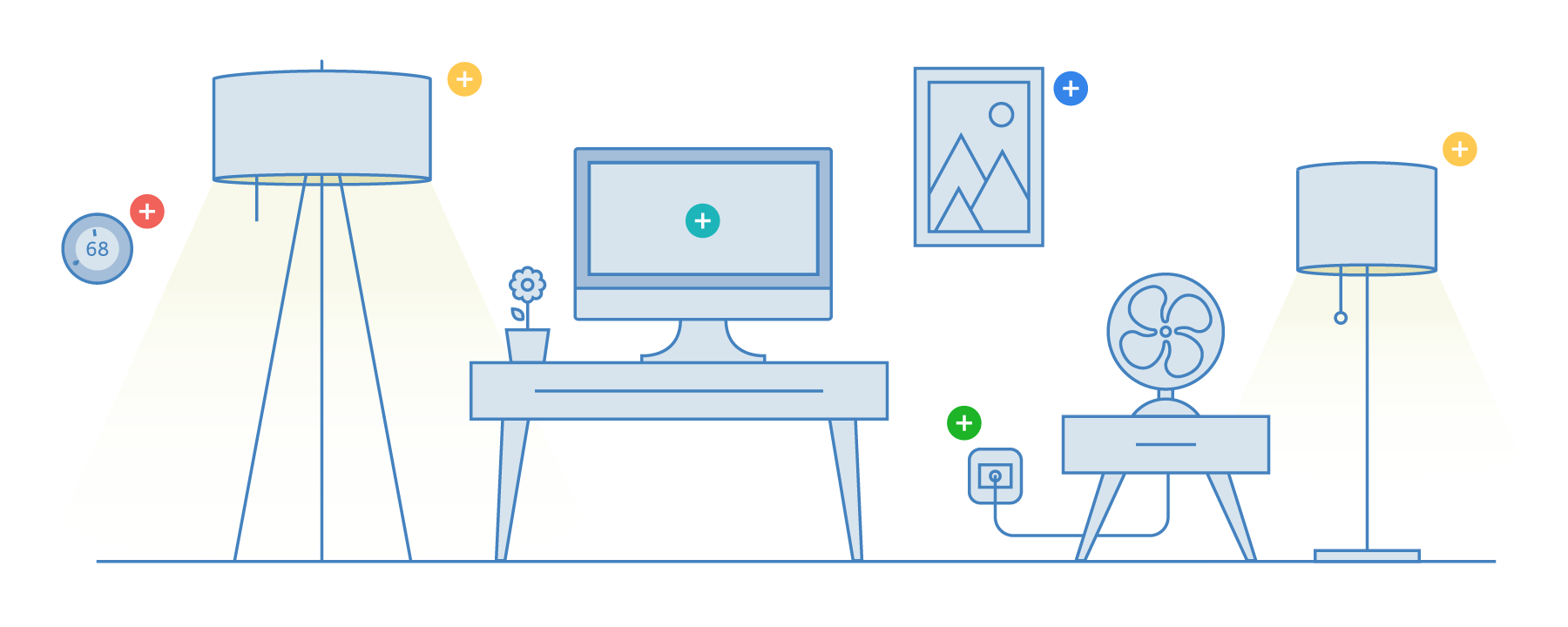
A small remote with big power
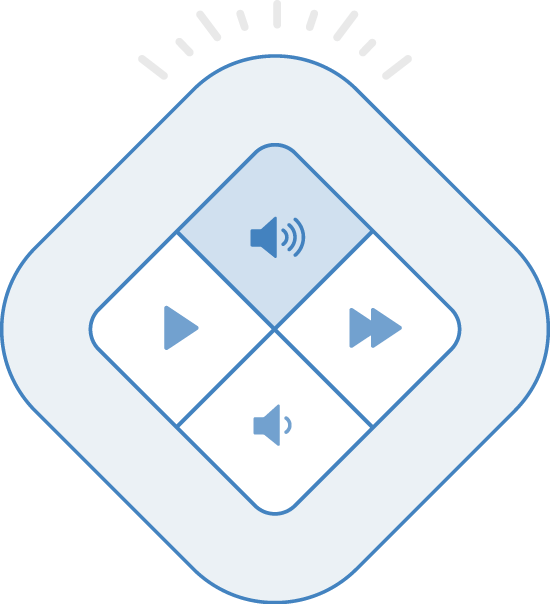
Tap
With just a tap, perform an action like changing the music or turning on the lights.
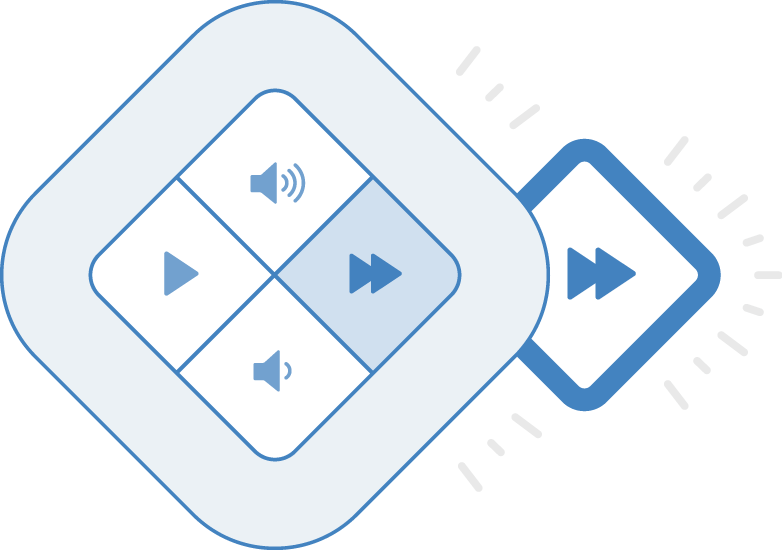
Double-tap
Some actions can be double-tapped, allowing you to switch albums or run alternate lighting scenes.
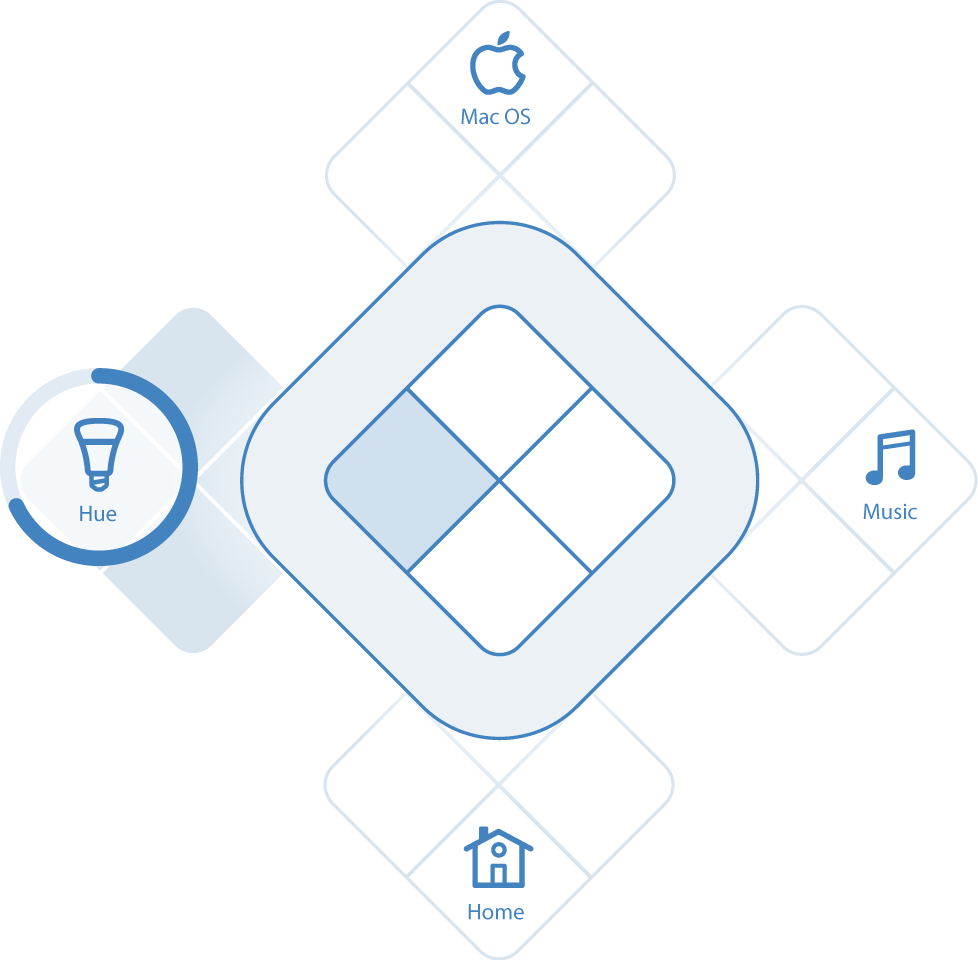
Hold
Hold a button for half a second to switch between one of four apps.
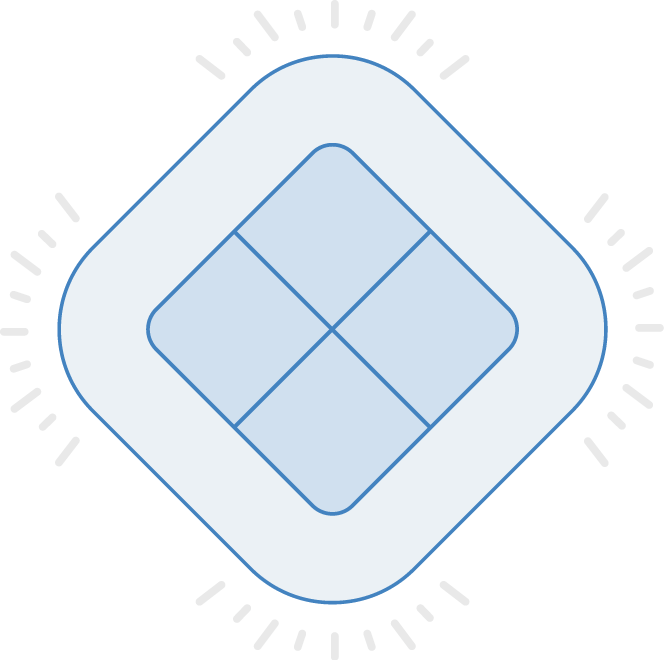
Tap all four
Don't know what a button does? Press all four buttons to show a heads-up display (HUD).
Built to work with iOS and macOS
Turn Touch pairs with your phone or computer using a seamless app that allows you to customize what the buttons do.
Use your iPhone, an iPad in the living room, or your iMac with as many remotes as you own. And each remote runs for a year on a single coin cell battery.

Let the apps work hard, not you
Dozens of apps for your smart home devices and for your computer, all controlled with your remote.
 |
Philips Hue lightsSwitch between scenes and set sleep timers or colorize your lights for a dance party. |
 |
SonosYour music has never sounded better. |
 |
Belkin WemoControl home electronics and lights without having to turn them on and off. |
 |
Nest ThermostatSwitch between temperature settings for different times of the day providing energy savings and comfort. |
 |
Smart locksSet your locks as part of your day. |
Control your Mac and your phone
For all the apps you already have.
 |
Alarm clockWake up on time to music. |
 |
Home AppA single button for every connected device in your home. |
 |
Powerpoint & KeynotePower through your presentations and present in style with a remote as easy on the eyes as your slide deck. |
 |
MusicA remote for iTunes, Spotify, Pandora, and Apple Music. |
 |
VideoWhen you want to watch movies and TV on your Mac using Quicktime and VLC, no other remote cuts it. |
 |
macOSControl system-level Mac settings like volume, sleeping the display, and screen brightness. |
 |
NewsBlurFocus on the news you want to read. |
 |
WebRead the text from any website on the big screen. |
 |
FitnessWork out in your home with a trainer you can train. |